Welcome to my Portfolio at Red Rose Web Design
Lesson 6 Double Sided Borders
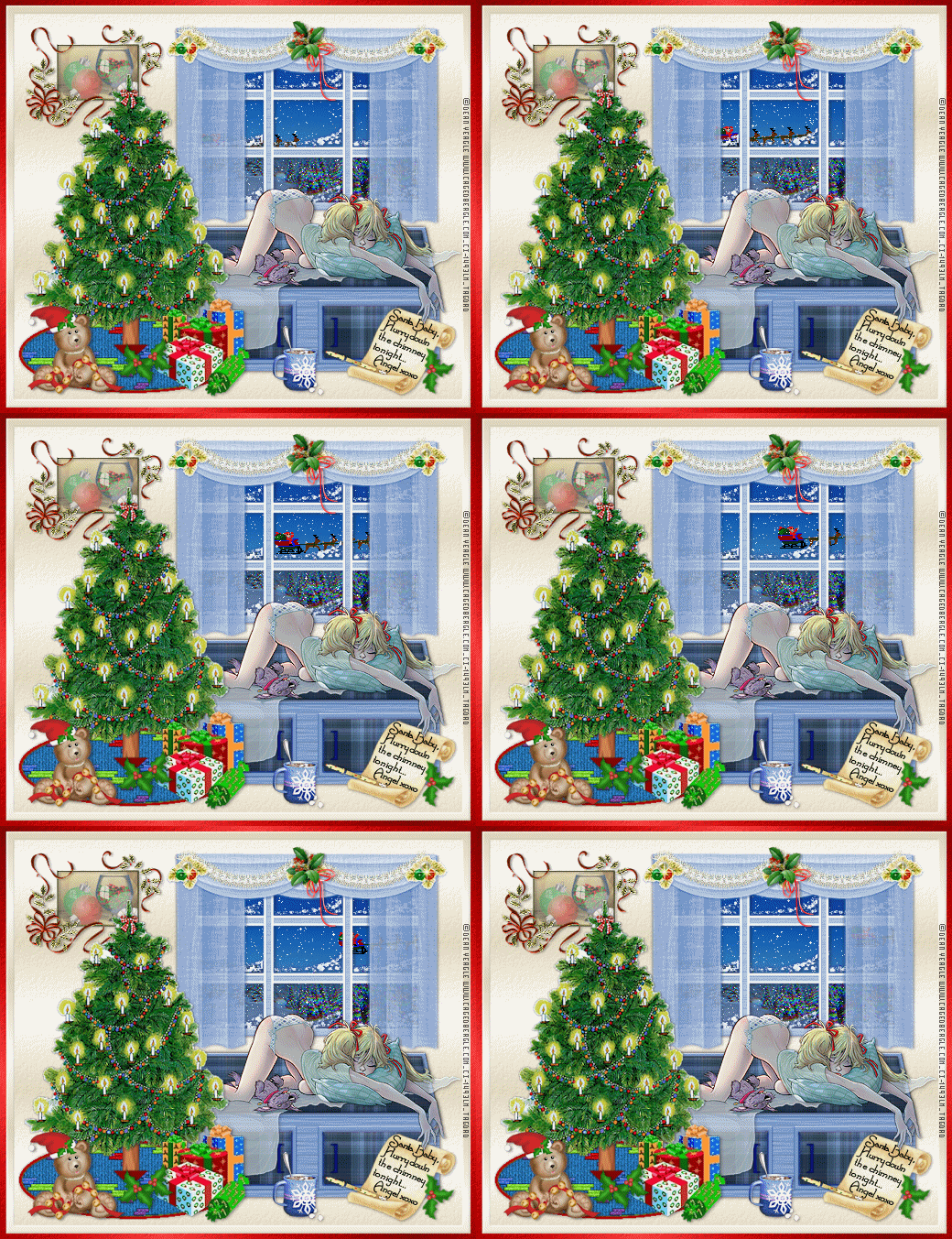
The Graphic above is a Christmas Tutorial for Paint Shop Pro that I designed I even created my own curtains and rug and photo ;0) Although there are other elements I used that is permission free or shared through groups I am hoping to be able to create my own elements for copyright awareness as well as to give back to the PSP Community what they have given to me Hopefully by next Christmas I will be able to have more tutorials to share with the PSP Taggers ;0)
This Webset Consists of:
•Design a Webpage using a Double Sided Borders
•Creating a Blank gif so the the text does not overlap onto the borders
•Duplicate this page showing the Simple Way

To create a double sided border page the first step is to
make the Border Image:
In Lesson Five we talked about One Sided Border Page, well basically following the same instructions as in lesson five except only having to use one image of two with a different HTML coding that is how we are able to get a double sided border page.


The Simple Way to a double sided border page:
To create the simple way of a double sided border page I took off the hanging ribbons from the holly and cropped the image leaving the holly and only partial of the ribbon left and in my graphics program using the seamless tile effect.
The reason for the seamless tile is that the HTML coding is different and it only pertains to two layer backgrounds...One is called Body Background and the other is a table background.
To view the simple way click "HERE"



I hope that you enjoyed Lesson 6
Please feel free to "Contact Me"
Designed by AngelAD taught by Red Rose Web Design 2007