Welcome to my Portfolio at Red Rose Web Design
Lesson 12 Image Slicing
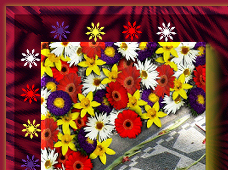
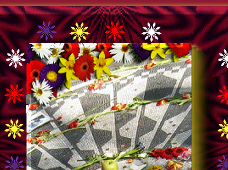
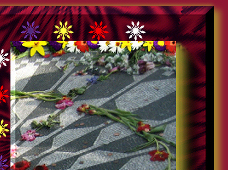
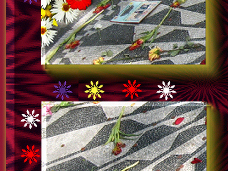
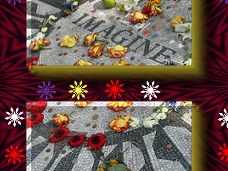
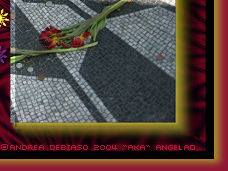
The image above is a photo I had taken of "Strawberry Fields, John Lennon" in Central Park,
Manhattan, New York. The photo was enhanced to give it more depth
and design in my graphics program.
This Webset Consists of:
•Design a Webpage using Image Slicing
•The 2nd Page shows how the Image Slicing looks like with Borders

What is Image Slicing?
Image Slicing is a creative way of navigation. This is done by:
•Creating your Graphic
•In your graphics program using the Image Slicer
•Adding the Codes to make the graphic that becomes a HTML work
and within the code adding the hyperlinks to take you to various sites or your pages.
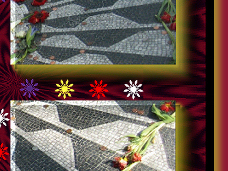
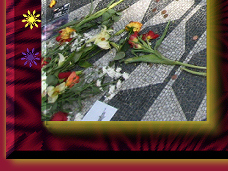
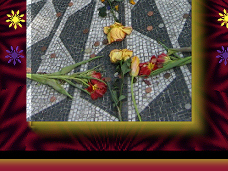
If you put your mouse over each box you will see how I sliced-up the image
"CLICK ON THE CENTER OF THE IMAGE"
Isn't that neat ;0)
I only added one hyperlink to take you back home, but there are
eight more hyperlinks I could add if I wanted to.
See how the Image Slicing looks like "Sliced-Up"



I hope that you enjoyed Lesson 12
Please feel free to Contact Me
Designed by AngelAD taught by "Red Rose Web Design 2007 / 2008"